Write phrases that matter to your own travel, work, reading, and conversations.
01Phrase IndexSupport / Version 1.0.0
LEXI
DOCK

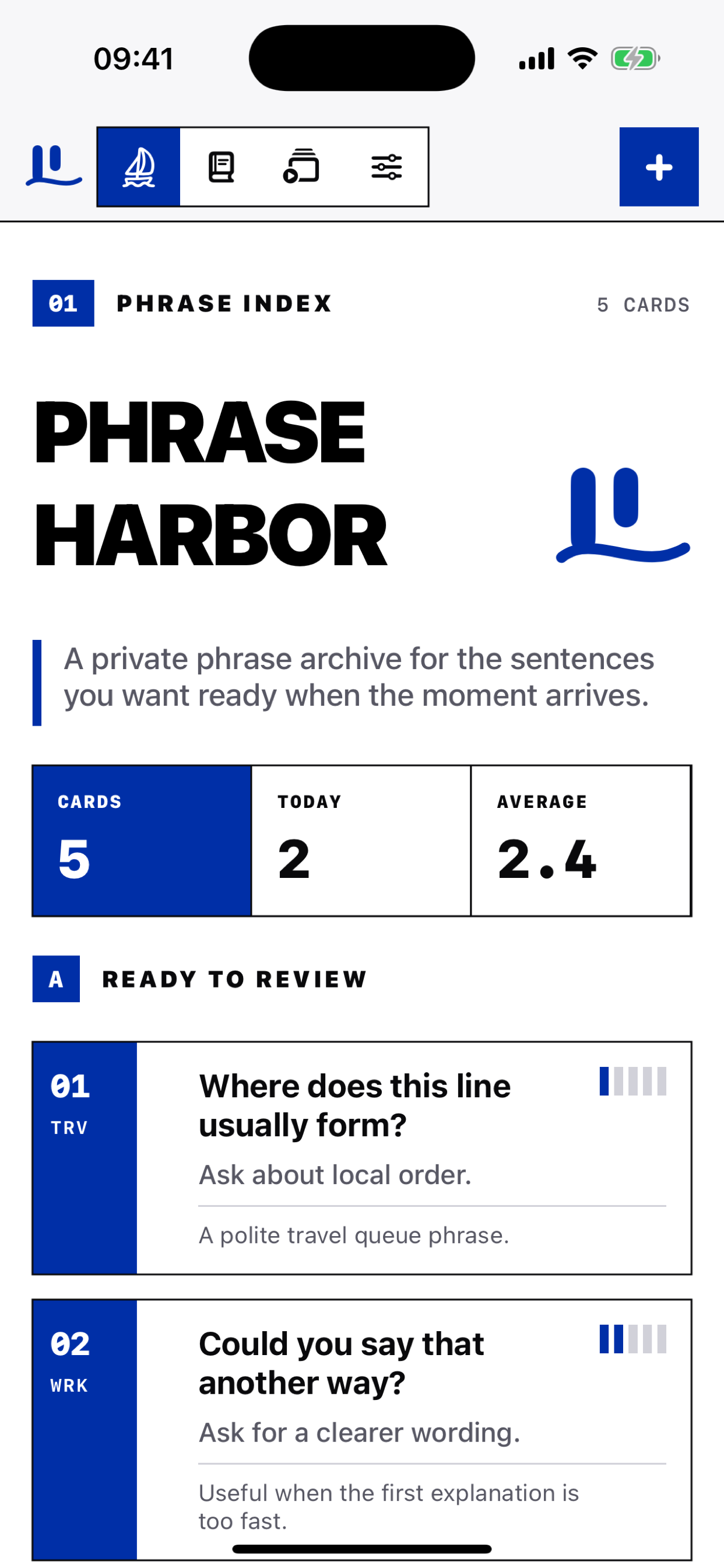
A private phrase index for the sentences you want ready when the moment arrives. Save the wording, meaning, context, and confidence level on your device.
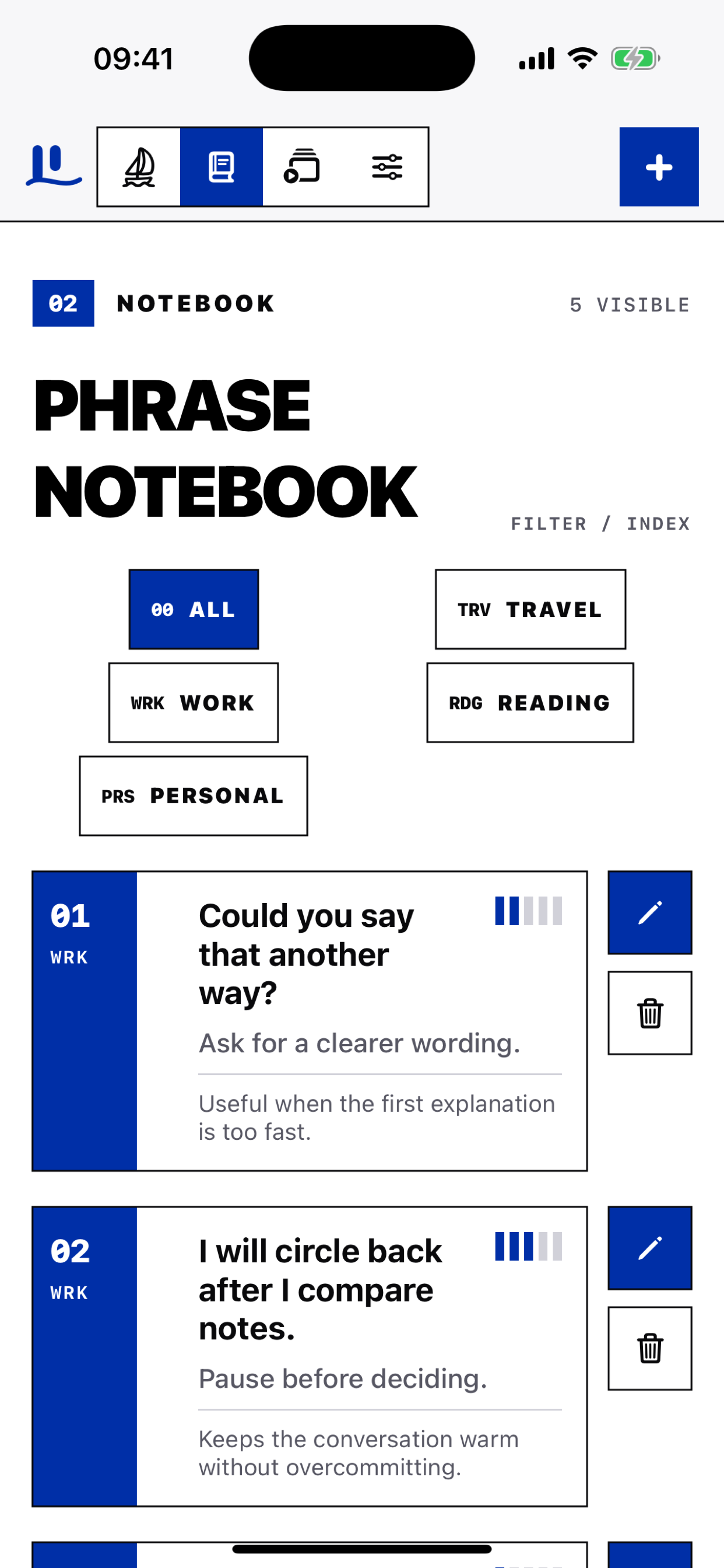
Use category codes, meanings, and context notes to keep every phrase easy to scan.
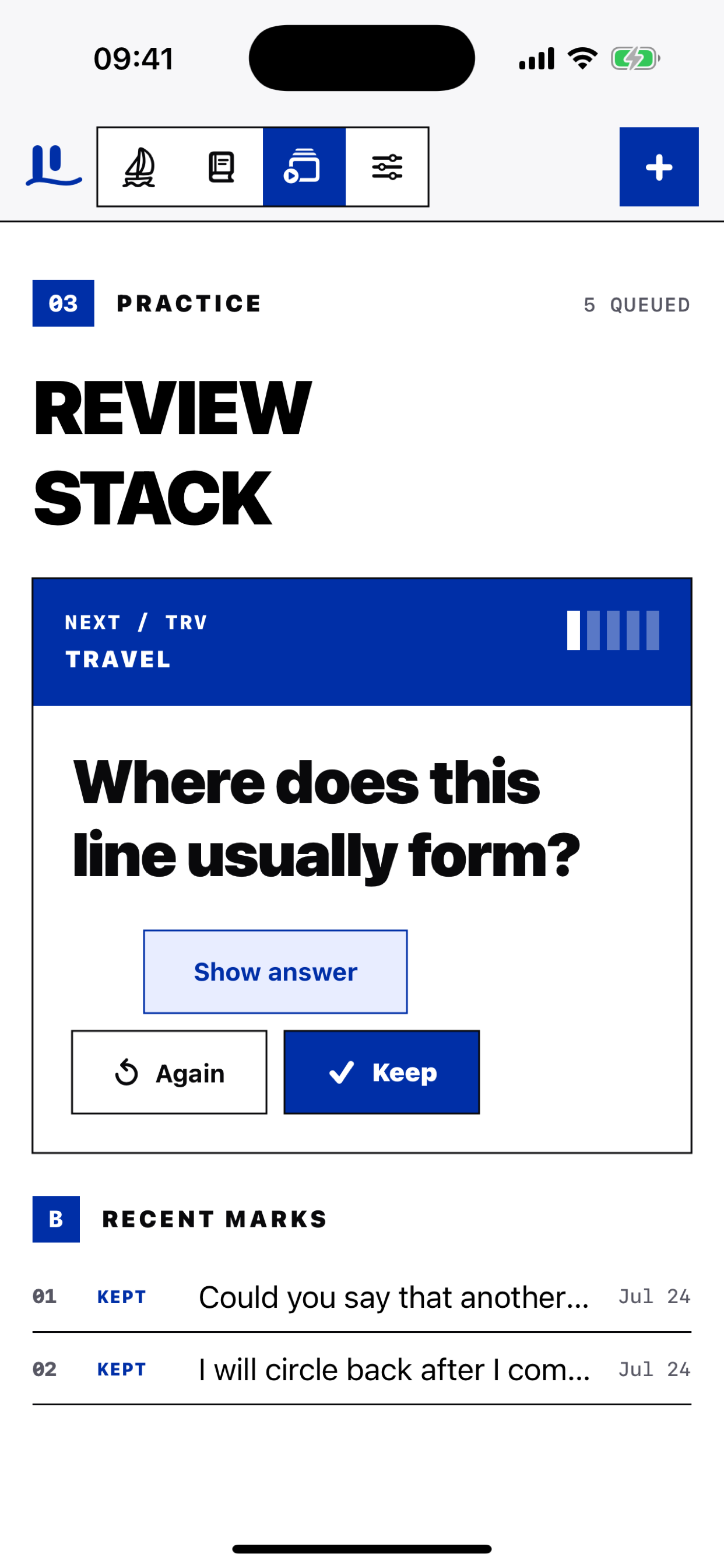
Practice weaker cards first and mark each phrase Again or Keep.
02Core workflowLocal first
A SMALL INDEX.
A USEFUL MEMORY.
Phrase cards
Store the exact sentence, a clear meaning, and a note about when to use it.
Confidence review
A five-step confidence meter keeps the next review focused on weaker cards.
Notebook control
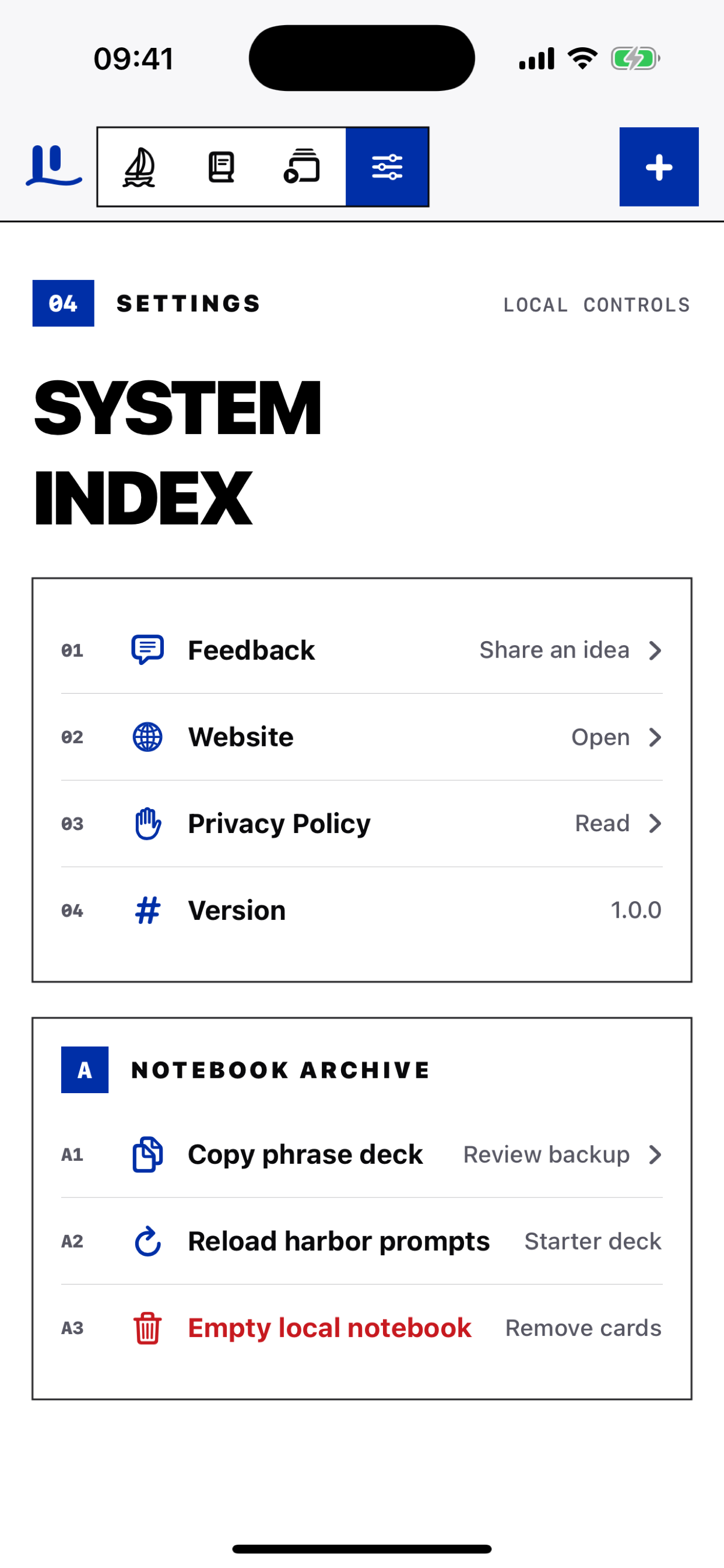
Copy the phrase deck, reload starter prompts, or clear local cards from Settings.
03Real app screensiPhone UI
04App detailsNo account required
Version1.0.0
PlatformiPhone and iPad, iOS 17 or later
CategoryProductivity
Data storagePhrase content is stored locally
AdvertisingNo ads and no cross-app advertising tracking
Contactjessed@muralhealth.lat
05FAQ
Where are phrase cards stored?
Phrase cards and review marks are stored on this device.
Can I make a backup?
Open Settings and choose Copy phrase deck.
When is feedback sent?
Only after you write a message and tap Send feedback.
Does Website load automatically?
No. The Website opens only after you select it in Settings.
06Troubleshooting
Cards are missing
Reopen LexiDock and check the selected Notebook category.
The practice stack is empty
Add a phrase or reload the starter prompts from Settings.
I want a clean notebook
Use Empty local notebook in Settings. This removes local phrase cards.
Need more help?
Email jessed@muralhealth.lat with your device model, iOS version, and a short description.